Updated: October 30, 2024
Did you know you don’t have to use the official Walt Disney World website or the My Disney Experience app to make all Disney World dining reservations?
That’s right, there are select Disney World restaurants available on OpenTable, an online reservation service anyone can use.
Here I go over which restaurants at Disney World you can book dining reservations using OpenTable, along with how the online reservation service works.
In this article
Disney World restaurants you can book using OpenTable
Below are all of the restaurants at Disney World that you can make dining reservations for when using OpenTable.
Most of them are located in Disney Springs, with a select few at the Swan and Dolphin hotels.

There is an advantage to making dining reservations on OpenTable — some restaurants you can book out farther than 60 days.
If you don’t know, Disney World dining reservations open up 60 days prior to your visit. Most restaurants on property can only be booked in the My Disney Experience app or on the official Disney World website. When making reservations this way, you can only look 60 days ahead for availability.
Keep in mind that you can also find the following OpenTable restaurants in the Disney World app and website, but, again, reservations will only be available 60 days out.
Disney Springs
- The Boathouse
- City Works Eatery & Pour House
- The Edison
- Enzo’s Hideaway
- Frontera Cocina
- House of Blues Restaurant & Bar
- Jaleo
- Maria and Enzo’s
- Morimoto Asia
- Paddlefish
- Paradiso 37
- Planet Hollywood
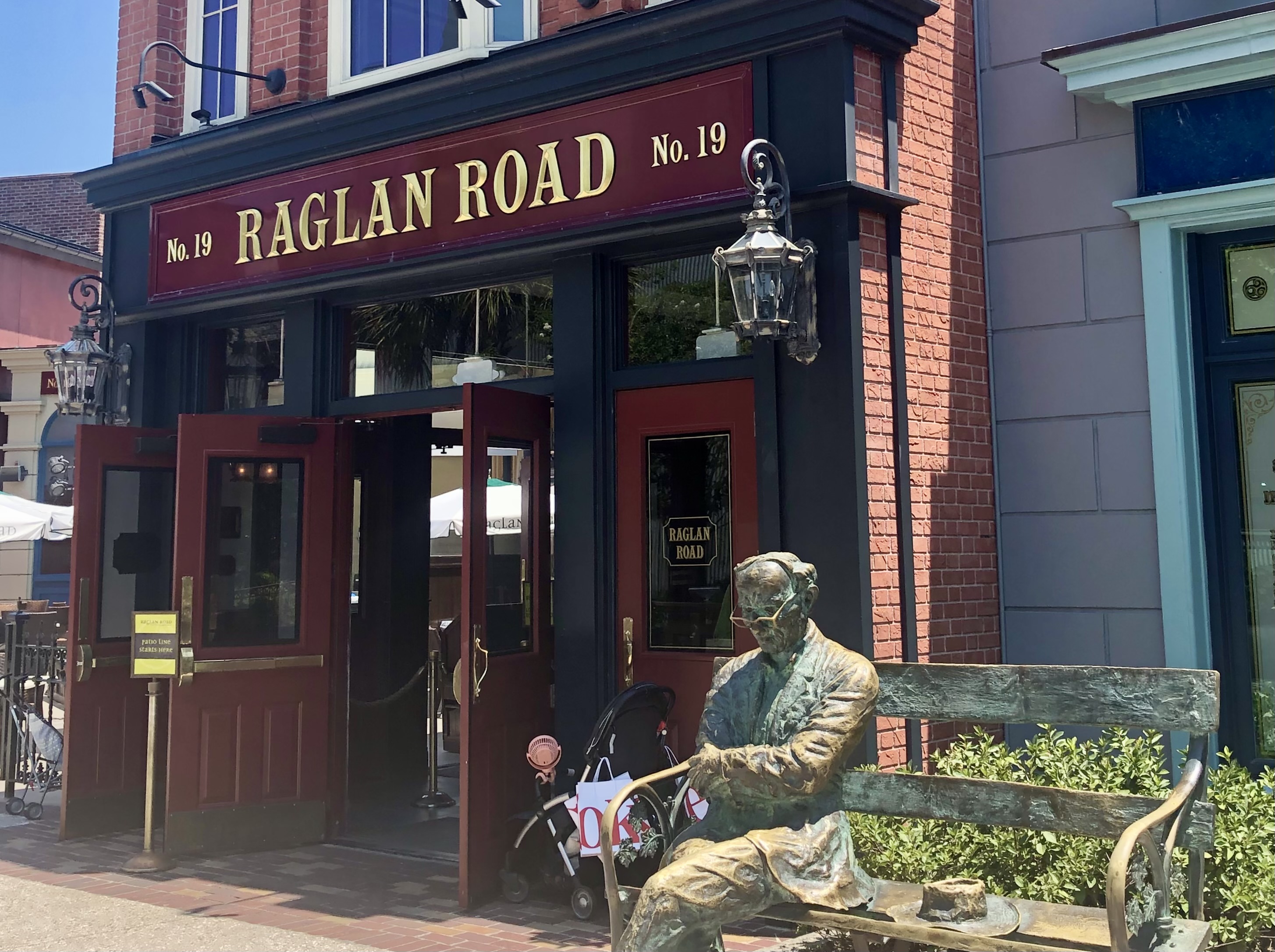
- Raglan Road Irish Pub
- Splitsville Dining Room
- STK Orlando
- Summer House on the Lake
- Terralina Crafted Italian
- Wine Bar George
Walt Disney World Dolphin Hotel
Walt Disney World Swan Hotel
Walt Disney World Swan Reserve
Disney’s BoardWalk
How to use OpenTable to make Disney World dining reservations
Making dining reservations on OpenTable is very simple. You can either do so online or via the app.

All you have to do is select your desired date, time, party size, location, and then see if there’s availability.

You will also have to provide your contact information, along with a credit card to hold your reservation.
Unlike dining reservations made through official Disney World channels, dining reservations booked in OpenTable do not automatically appear in the My Disney Experience app. This means, OpenTable reservations won’t be listed in your plans.
I always make sure my OpenTable reservations are added to my phone calendar to remind me. That said, there is also a way to add a “Note” in My Disney Experience so you don’t forget about your OpenTable dining reservation.
Important: You can only do this in My Disney Experience on the Walt Disney World website — not in the My Disney Experience mobile app.
Here’s how you add a note in My Disney Experience:
Go to “My Plans”

Once you’re on the Walt Disney World website and you’ve logged into your Disney account, go to the “My Disney Experience” tab and select “My Plans”.
Add More Plans

Scroll down until you see “Add More Plans” and then select “Notes”.
Add a Note to Your Plans

Here you can select the date of your OpenTable dining reservation, the time, and the location. You can also enter a subject, like the name of the restaurant.
I put my confirmation number in the “Description” just so I have it readily available in case the restaurant would need it.
You can even share the note with other people on your dining reservation — but only if they are on your My Family & Friends list.
Find Your Note in Your Plans
You can see it in My Disney Experience online and also “Modify” the note here.

Your note will also appear under your “Future Plans” in the My Disney Experience app.

If you have questions about booking Disney World dining on OpenTable, be sure to drop them in the comments.



Leave a Reply